
How Coaching Institutes Can Handle 200+ Admission Enquiries a Week With a Small Counselling Team.
Coaching institutes can handle 200+ admission enquiries a week with a small counselling team using WhatsApp chatbots, AI answers, and a shared inbox.
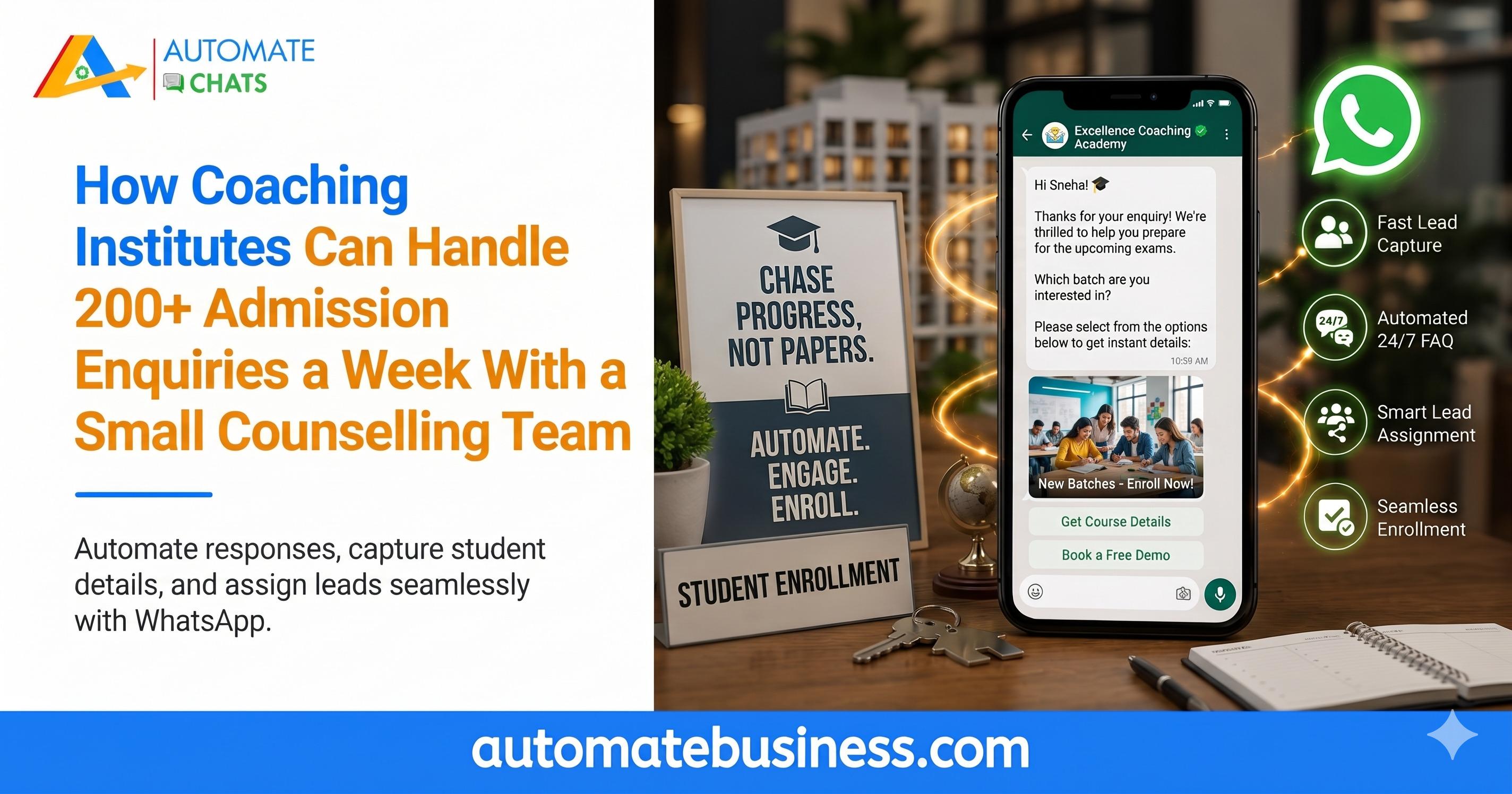
Coaching institutes can handle 200+ admission enquiries a week with a small counselling team by letting WhatsApp automation answer routine questions and route serious leads to counsellors. A chatbot, an AI assistant, and a shared inbox do the repetitive work, so your team focuses on conversations that close admissions. With Automate Chats WhatsApp API Marketing, you can set all of this up in one workspace without code.
This guide explains why admission season overwhelms small teams and how to fix it step by step. How Automate Chats stands apart from other tools.
Why Admission Enquiries Overwhelm Small Counselling Teams
Admission season brings a flood of enquiries in a short time. Ads run, hoardings go up, and parents message at all hours.
It receives two hundred enquiries a week, and just two counsellors answer them. Most messages are the same three questions: what are the fees, what are the batch timings, and is there a demo class?
A parent who asks at 9:30 pm may message three institutes, and will usually visit the one that answers first. Slow replies are costly. In the story, one parent is called back two days later, long after other institutes responded. The enquiry you paid to generate is lost.
- Step 1: Capture Every Enquiry with a QR Code or Ad
The first step is making it easy to start a chat. Put a WhatsApp QR code on your hoardings, flyers, and brochures, and add a WhatsApp button to your ads.
Scan the QR code on the hoarding or tap the ad. Either action opens a chat with the institute and starts a chatbot. A keyword such as "admission" triggers the flow.
This removes the need to save numbers or fill forms. Every enquiry lands in one place, whatever the source. You also keep a clear record of who asked and when.
If you want to see which hoarding or flyer brings the most parents, use a separate QR code for each one. The QR code manager in Automate Chats lets you keep them all in a single list. - Step 2: Qualify Students with a No-Code Chatbot
A chatbot greets each parent right away. Even at night, the first reply arrives in seconds.
Next, the bot asks simple questions, such as which course the student wants and which city they live in. The answers are saved against the contact as custom fields. That gives your counsellors context before they type a single word.
Automate Chats offers no-code chatbots that guide the conversation step by step. You build the flow visually, so a counselling team can set it up without a developer.
Lead qualification matters when volume is high. The bot separates a casual question from a serious enquiry. Hot leads then reach your team with the details already captured. - Step 3: Answer Fees and Batch Questions with an AI Assistant
Most enquiries repeat. An AI assistant can answer them using your own information, so counsellors no longer type the same replies. In Automate Chats, you add knowledge sources for the assistant. The video shows file upload, a website URL, and Google Sheets as options. Bright Path uploads its prospectus, and the assistant replies from it.
For example, a parent asks about the JEE batch fee. The assistant answers that the fee is ₹1,40,000, payable in two instalments. The parent then asks about batch timing and gets that answer too.
All of this happens at 9:31 pm, one minute after the parent wrote. In the video, the other two institutes have not replied. The answer comes the same night, and the parent stays engaged. Always review the information you upload. The assistant is only as accurate as your prospectus and fee details. - Step 4: Hand Over Serious Leads to a Counsellor
Not every question should be automated. When a parent wants a demo class, a person should take over.
Automate Chats lets you set stop keywords. In this, the phrase "demo class" triggers a handoff to a human and assigns the chat to a counsellor named Neha. She sees the conversation in the shared team inbox, with the course, class, and city already filled in.
The team inbox keeps all WhatsApp chats in one place. You can assign each chat, add internal notes, and collaborate in real time. This avoids missed messages and duplicate replies when two counsellors work the same list.
The result is a smarter use of time. The bot handles the questions, and your team handles the people. Counsellors speak only to parents who are ready for a real conversation. - Step 5: Run One Campaign for Every Parent
Admission work does not end with the first reply. You must keep parents informed, especially when a new batch opens.
Contact management lets you segment your list. In the video, Bright Path creates a segment of JEE enquiries with 86 contacts, based on the course field the chatbot saved. Because the chatbot fills that field, nobody has to sort a spreadsheet by hand.
Then comes a single broadcast campaign. The message tells each parent, by first name, that the new JEE 2027 batch starts on 1 December and seats are limited. A "Book a demo class" button gives them an easy next step.
Campaign analytics show how many messages were delivered, read, clicked, and replied to. You can then retarget those who showed interest. The same tools also support scheduled follow-ups and reminders for demo classes.
How Automate Chats Is Different
Many WhatsApp tools handle only one task, such as bulk messages or a basic inbox. Automate Chats brings campaigns, team inbox, chatbots, AI assistants, contacts, and analytics together in one workspace.
Here is what sets it apart for coaching institutes:
- Enquiry to counsellor in one flow. QR codes and ads feed a chatbot, an AI assistant, and a human handoff.
- Answers from your own material. The AI assistant uses your prospectus, website, or sheets.
- Smart handoff. Keywords route the right chats to the right counsellor.
- Segment-based campaigns. Contacts qualified by the bot become targeted audiences.
- Built for small teams. It is made for MSMEs, with affordable pricing and a short learning curve.
- Easy start. A 7-day free trial and CSV bulk upload help you begin quickly.
Frequently Asked Questions
- How can coaching institutes handle 200+ admission enquiries a week?
Use a WhatsApp chatbot and AI assistant to answer repeat questions, then hand serious leads to counsellors through a shared inbox. - Can a small counselling team manage admission enquiries on WhatsApp?
Yes. Automation covers routine questions, qualifies leads, and assigns chats, so two or three counsellors can focus on conversations that matter. - Can an AI assistant answer fee and batch questions?
Yes. It answers using the information you provide, such as a prospectus, and hands the chat to your team when needed. - Can I send one message to all interested parents?
Yes. Segment your contacts by course, then send a broadcast campaign and track delivery, reads, clicks, and replies. - Can I try Automate Chats first?
Yes. There is a 7-day free trial, and you can book a demo.
Start Managing Admission Enquiries with Automate Chats
Fast replies win admissions. With the right setup, even a small counselling team can answer every parent quickly. Ready for a calmer admission season? Start your 7-day free trial or book a demo to see Automate Chats in action.